
Technical SEO Issues That Could Be Limiting Your Website Growth
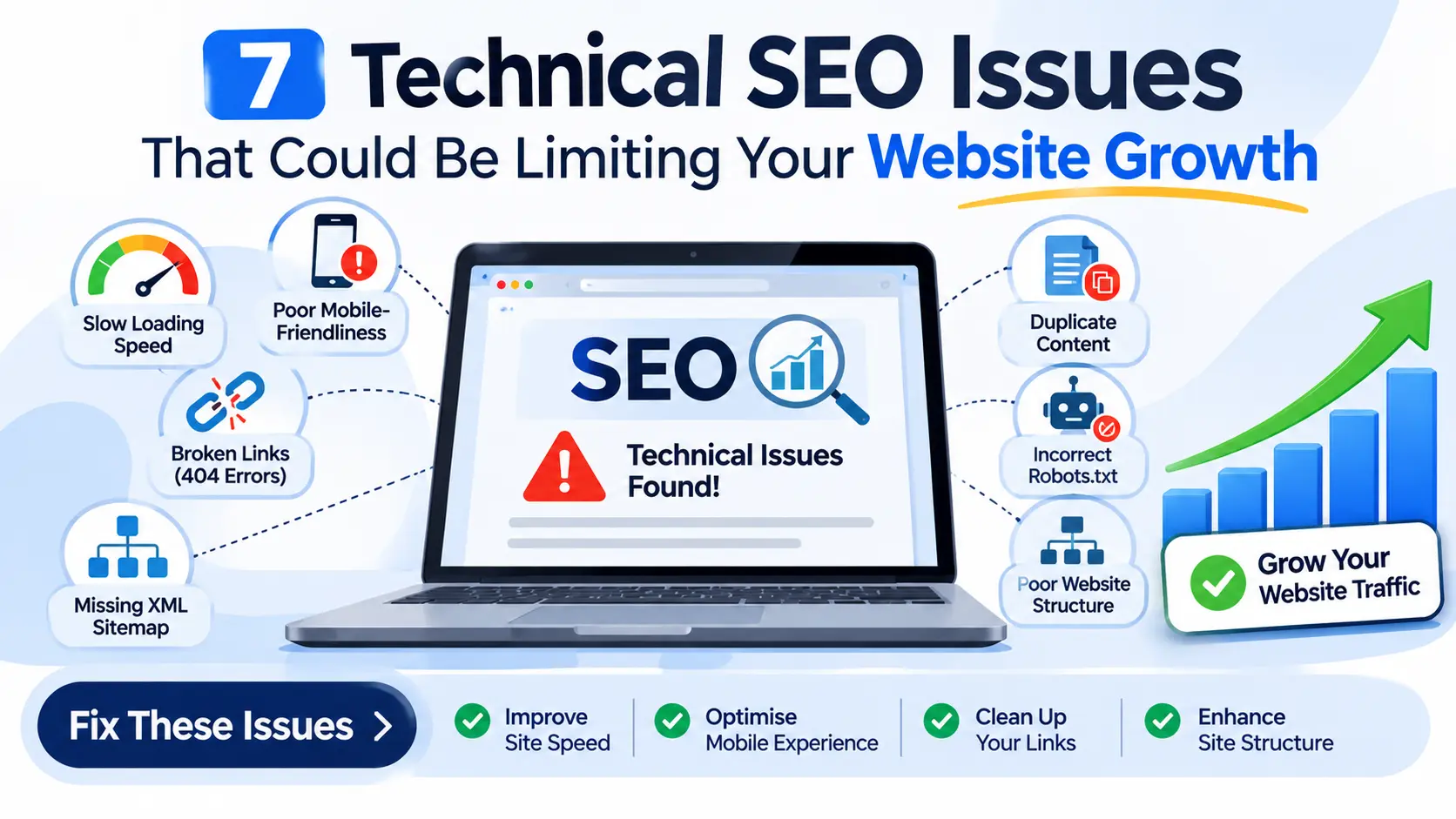
Despite providing high quality content, having great design and offering great services, you may be struggling to get good organic traffic. This issue may be due to technical SEO issues within your website.
Technical SEO is important as it allows search engines to easily crawl, understand and index pages on your site. Improving site speed, mobile usability, navigation and overall performance provides a better experience for users.
Even if there are small technical issues on your site, they can affect both search engines and users. If you’re not getting as much organic traffic or enquiries as expected, then you may want to consider checking for technical issues.
Below are 7 technical SEO issues you may be experiencing on your website and how to resolve them.
1. Slow Website Loading Speed
Fast loading pages are very important to improve user experience. If pages on your website are slow loading, this may cause users to become frustrated and leave the site.
Large images, too many scripts, too many plugins and poor server performance can all cause slow page speeds.
Google also considers Core Web Vitals to understand page experiences.
Resolution
- Optimise images.
- Ensure browser caching is active.
- Reduce unnecessary CSS and JavaScript.
- Use a reliable hosting provider.
- Consider using a content delivery network (CDN).
- Remove any unnecessary plugins/scripts.
Using tools such as Google PageSpeed Insights can help you detect which performance issues exist and what improvements to make.
2. Not mobile friendly
Whilst your website may be very user friendly on desktops, it may be difficult to use on mobile devices. Text may be small, navigation could be difficult, images may be too large, and buttons may be difficult to click. This can cause frustration for users.
As Google now mainly indexes your content based on the mobile version (mobile first indexing), it is important to make sure your website is mobile friendly.
How to fix it:
- Make sure your site is responsive.
- Ensure text can be read without zooming.
- Ensure buttons and links can be easily clicked.
- Avoid requiring users to scroll horizontally.
- Optimise images and layout for mobile devices.
- Ensure important pages can be viewed on various mobile devices.
Making your website mobile friendly means users can easily browse your services, information and make enquiries.
3. Broken links
When visiting a link on your website, if the page no longer exists or can no longer be found, users may receive a 404 error.
If broken internal links exist within your site, this can cause problems with search engines crawling your important pages, and may be frustrating for users.
Resolution
- Regularly check your site for broken links.
- Update any incorrect links.
- Create permanent (301) redirects for any pages which have been moved.
- Remove any unnecessary links to deleted content.
- Check menu links, blog content and footer links.
Google Search Console and website crawling tools can help detect which URLs are problematic. However, just because there are 404 errors in place doesn’t necessarily mean they are problematic. If pages have been removed and there is no suitable alternative, then returning a 404 or 410 response may be correct.
4. Issues with Sitemaps
Sitemaps allow search engines to understand and find important URLs within your website.
If your sitemap is incorrect, outdated or missing then search engines may struggle to find content on your website.
Issues in sitemaps often occur if:
- URLs return 404 errors.
- Redirects have been made but URLs are included in the sitemap.
- URLs aren’t canonical.
- Pages are being prevented from being indexed.
- Important pages are missing from the sitemap.
How to fix it:
- Create an XML sitemap using your CMS or SEO plugin.
- Only include canonical URLs which you want to be found by search engines.
- Remove broken, redirected and un-indexable URLs.
- Update your sitemap if important pages are added/removed.
- Submit your sitemap in Google Search Console.
Note: Whilst including a sitemap helps search engines find URLs, simply including it in Google Search Console does not guarantee all pages will be indexed.
5. Duplicate Content
Duplicate content can occur when the same or very similar content is found on multiple URLs. This can occur due to URL parameters, filtering of products, tracking parameters, or multiple versions of pages.
For example, the same content may be provided on:
- example.com/services/
- example.com/services/?source=campaign.
If these two pages have very similar content, search engines may need to decide which page should be seen as the main one.
Resolution
- Use canonical tags to indicate which version is the main page for duplicated/very similar content.
- Set up redirects so multiple versions of the URLs are consolidated.
- Ensure internal links are consistent.
- Try to avoid unnecessary duplication.
- Audit URL parameters and settings.
As canonical tags are signals rather than commands, ensure that redirects, internal links, URLs in sitemap and canonical tags all align with choosing the same page as the main page.
6. Incorrect robots.txt or Indexing
If certain pages on your website aren’t set up correctly within robots.txt, or have incorrect indexing settings, they may not be crawled or indexed by search engines.
If a page includes a ‘noindex’ tag it won’t be able to appear in search results.
If your robots.txt is too strict, important pages on your site may be blocked from search engines.
Resolution
- Check robots.txt.
- Check important pages to ensure they don’t have inadvertent noindex tags.
- Ensure key resources can be found by search engines.
- Check indexing reports in Google Search Console.
- Remove unnecessary restrictions on crawling.
Be cautious with these changes. Whilst robots.txt affects crawling and noindex tags affect indexing, blocking a URL within robots.txt cannot be relied upon to completely remove it from search results.
7. Poor site structure and internal linking
Site structure allows users and search engines to understand the relationship between pages on a site.
If important service pages are located deep within the site, or have few internal links, or are difficult to navigate to, then users and search engines may struggle to find them.
Poor site structure can make it difficult for users to find relevant information, and therefore increase difficulty in getting them to make an inquiry/purchase.
Resolution
- Create clear categorisation of content.
- Create clear and logical menus.
- Link relevant blog content to relevant service pages.
- Provide relevant anchor text.
- Include breadcrumbs if appropriate.
- Ensure important pages can be reached via a reasonable site structure.
If you run a digital marketing agency, you may want to split your content into 4 categories – SEO, Web Development, Digital Marketing and Graphic Design. You can then include supporting articles and link to the relevant service pages where appropriate.
Having clear site structure within your website makes it easy for users to navigate, and helps to show the relations between relevant content.
How to Find Technical SEO Issues
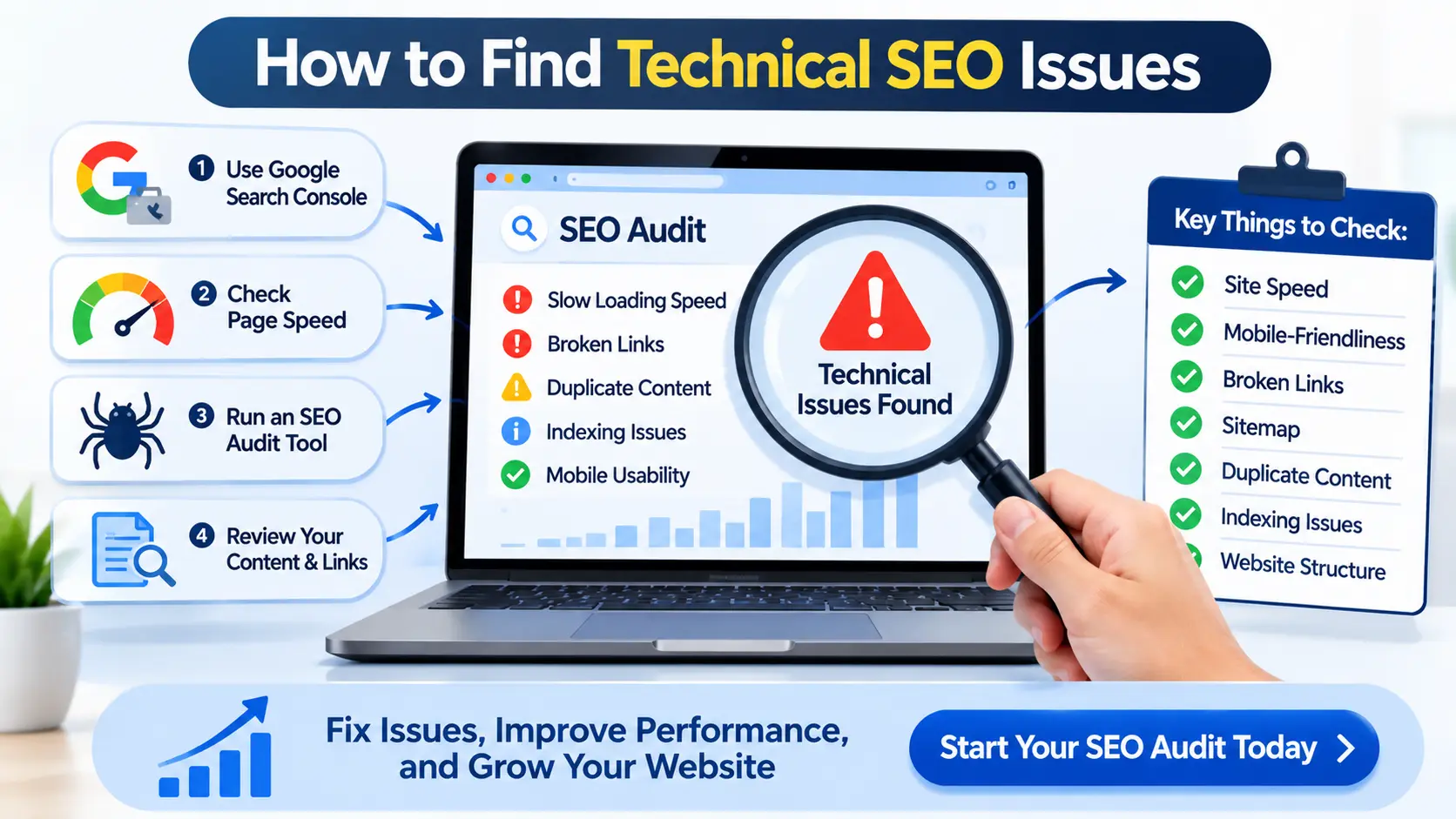
Beyond visually checking your site, to find technical SEO issues, you need to understand how search engines can access and read content on your site.
There are many tools available to do this:
Google Search Console – To understand indexing, search performance, sitemap status and crawling issues.
Google PageSpeed Insights – To understand page speed and Core Web Vitals issues.
Screaming Frog SEO Spider – To find broken links, redirects, meta data and other technical issues by crawling URLs.
Semrush Site Audit – To find technical SEO issues and On Page SEO issues by automatically auditing your site.
Ahrefs Site Audit – To understand the general health of your site and to find technical SEO issues.
Regular technical audits can help to detect issues early.
Final Thoughts
Common technical SEO issues include issues with site speed, broken links, indexing issues, duplicate content and poor page structure. All of these issues can cause search engines to not crawl or understand your pages effectively.
Discovering and fixing technical SEO issues can improve the technical quality of your website, user experience and support organic growth in the long run. Performing regular technical SEO audits ensures that businesses can identify underlying issues, improve priorities and ensure that their website is following best practice.
By completing technical SEO audits, improving your website and implementing data driven SEO strategies, businesses can resolve technical SEO issues, improve website performance and create new opportunities to increase organic traffic.
Want to identify technical SEO issues on your website? At IT Pyramid we can help you identify technical issues, improve the SEO health of your website and create a solid foundation for growth within your online presence.


 I’ve gotten a number of works do e by Sandra Smith of IT Pyramid, from pictures, character designs and animations to vtuber models. The quality has always been top notch and i can’t recommend them highly enough.